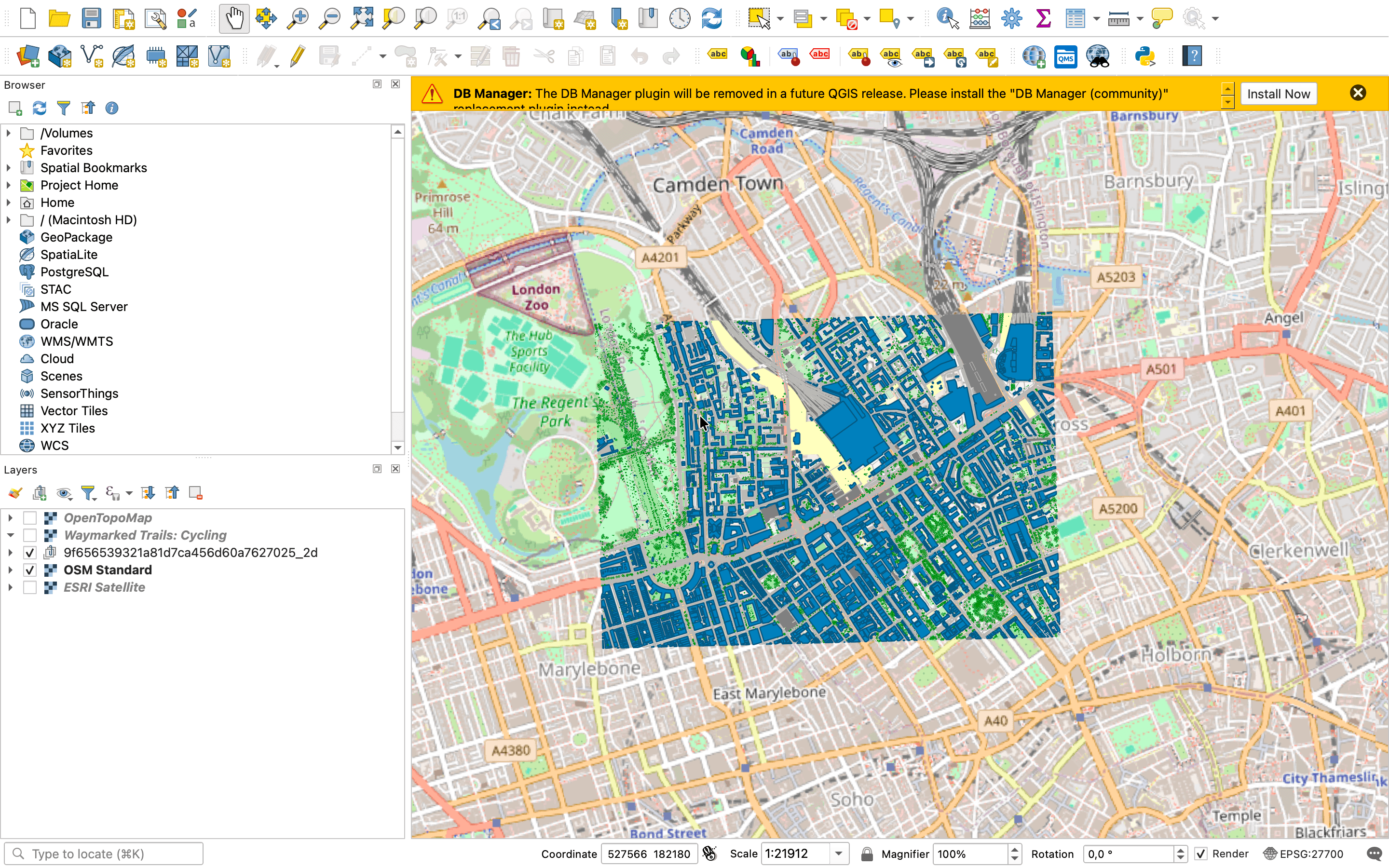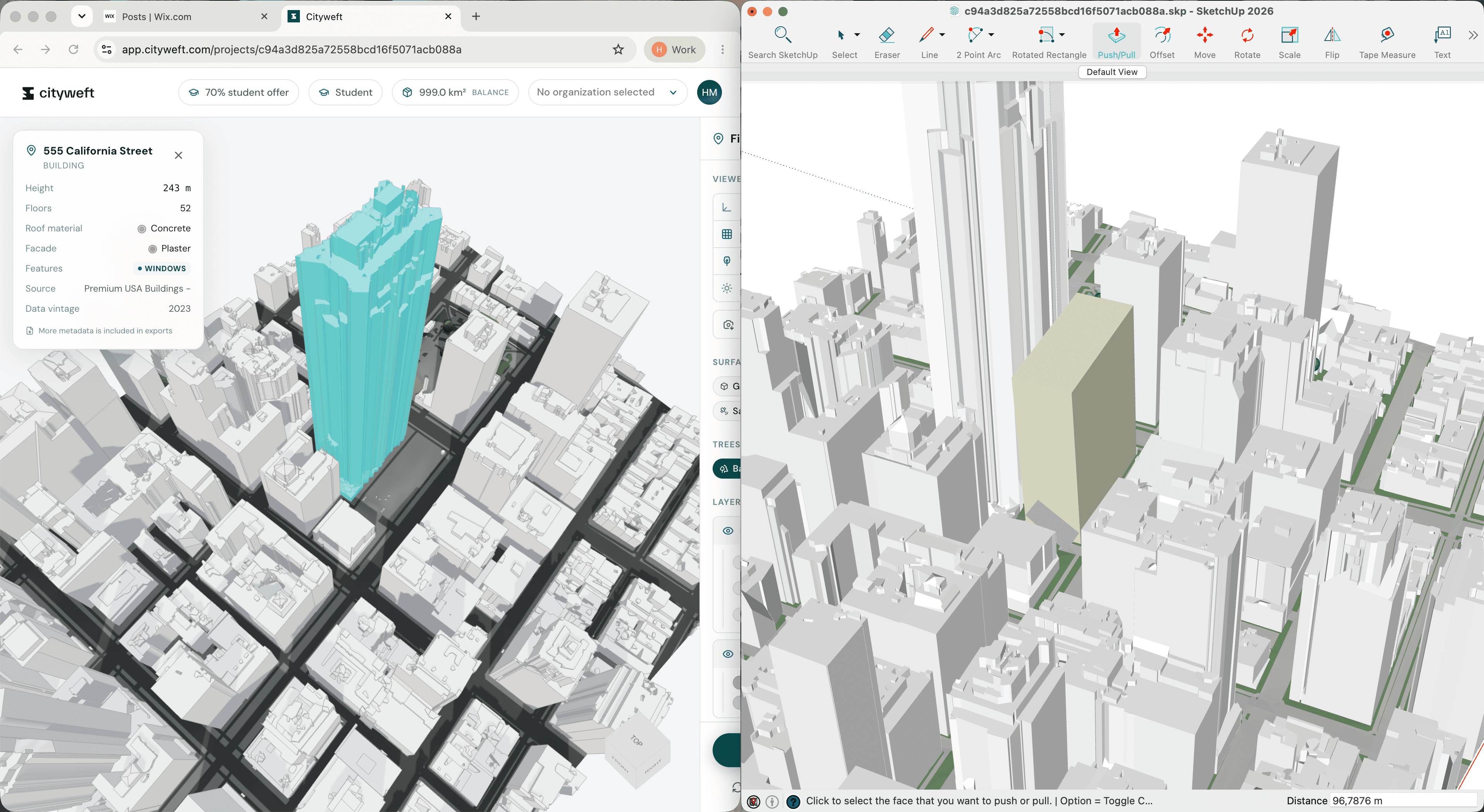
Georeferencing in Cityweft: an early step toward smoother BIM coordination
All design workflows rely on coordination between design teams. Yet, even with mature BIM tools we often hear of teams losing time when models don’t line up with the real world, or each other.
For many teams working with BIM coordination, shared spatial context is essential. Architects, landscape designers, and contractors all rely on models that relate accurately to real-world locations. When models aren’t properly georeferenced, clash detection and coordination can quickly become harder than it needs to be.
To help with this, we’ve just introduced georeferencing in Cityweft.
This is an early release designed to make it easier to work with georeferenced models that connect clearly to real-world coordinate systems. Our goal is simple: reduce friction in BIM coordination so design teams can focus on the work that matters.
Why georeferencing matters in BIM coordination workflows
In many BIM coordination workflows, multiple disciplines work on separate models that eventually need to align within the same real world context. Architects, landscape designers, structural engineers, and contractors generally develop their models in different tools, which makes consistent coordinate systems essential.
When models are not properly georeferenced, teams can run into problems such as:
Models appearing in different locations when combined
Misaligned terrain or site data
Difficulties running reliable clash detection
Extra time spent manually adjusting coordinates
How georeferencing works in Cityweft
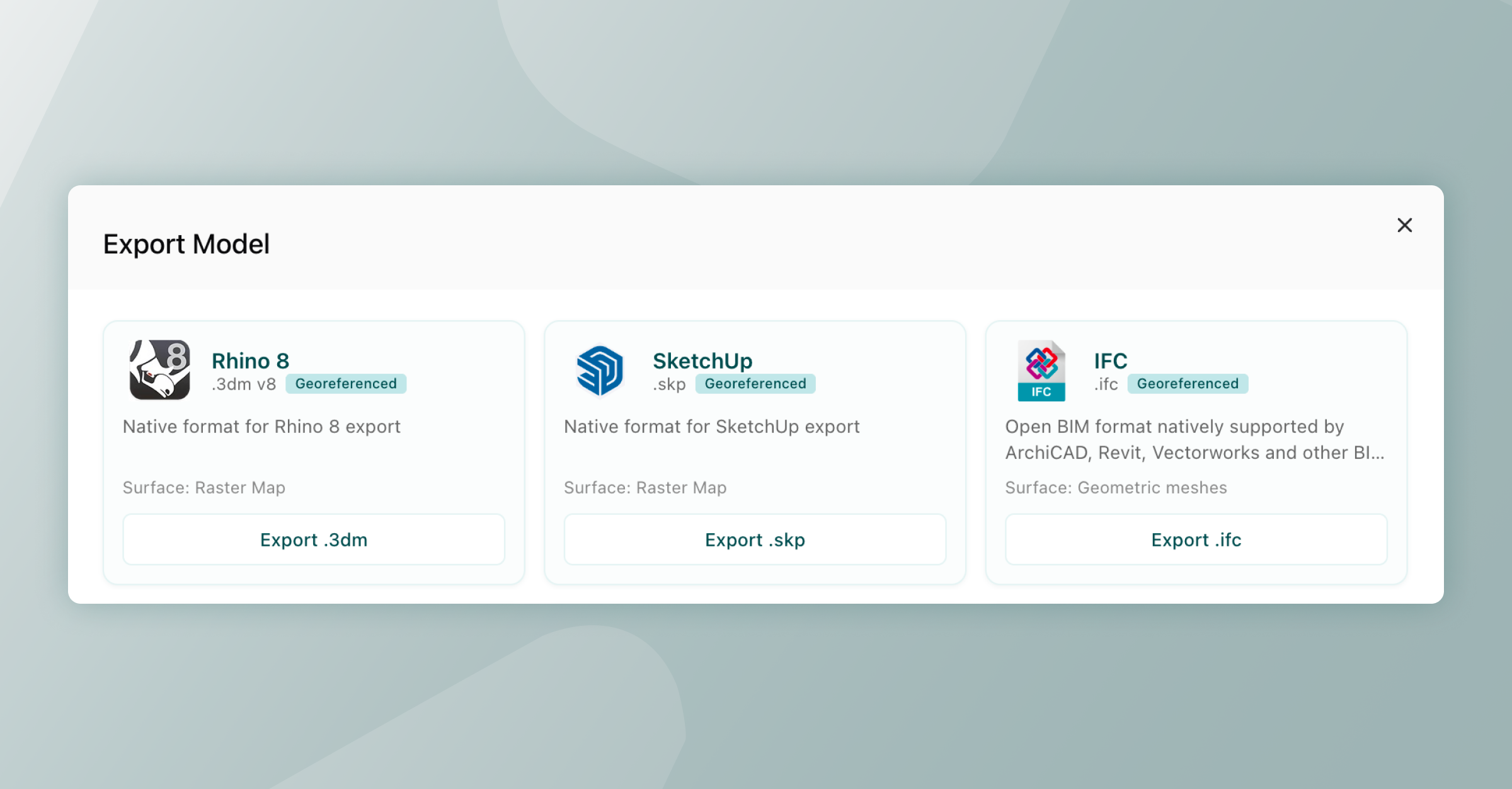
Right now, the feature is available in SketchUp, Rhino and IFC exports. We’ll expand support across more formats as the feature evolves.
Here’s how the current setup works:
Model coordinates – Geometry always use local meters with the origin at (0,0,0). Internally, the viewer works in Y-up; exporters handle the axis conversion to each application's native coordinate system.
Georeferencing – Stored in the model metadata, defining where the model’s origin sits on Earth using WGS84 coordinates. The geometry itself is not shifted into projected coordinates, it stays local, lightweight, and numerically stable.
Elevation – Automatically based on the terrain at the model’s origin point, and written into the metadata.
What this means for all formats:
Models open cleanly at origin, with no large-coordinate numerical issues.
Any receiving application can resolve local real-world coordinates using its native tools.
Re-exporting or moving between formats preserves spatial accuracy without coordinate drift.
This approach keeps the modelling environment simple and performing well while keeping the information needed to place models accurately in geographic space. It also helps teams maintain consistent spatial context when models move between tools as part of a BIM coordination workflow.
Format-specific implementation
In order to make sure the location 'just works', each exporter works slightly differently. For our geo-location aficionados here's how this works (feel free to skip this section if 'just working' is good enough for you!) Rhino (.3dm): EarthAnchorPoint
The Rhino exporter sets the file's EarthAnchorPoint, which is Rhino's built-in way of tying a model origin to a real-world location. The anchor records:
Latitude & longitude (WGS 84 decimal degrees)
Elevation (metres above sea level)
Model base point at (0, 0, 0)
Model north & east vectors so Rhino knows which direction is north
SketchUp (.skp): GeoReference
SketchUp files are georeferenced through the SketchUp C API's SUModelSetGeoReference, which writes latitude, longitude, and altitude directly into the model metadata. Once set, SketchUp's Add Location feature recognises the site, and the model can be overlaid on satellite imagery or shared with other geolocated SketchUp models without re-alignment.
IFC (.ifc) — IfcSite + IfcProjectedCRS + IfcMapConversion
This one is the most complex, and handled at three levels, simply because this is neccessary in BIM coordination.
IfcSite.RefLatitude / RefLongitude / RefElevation - The WGS 84 position is stored as degrees-minutes-seconds on the site entity.
IfcProjectedCRS + IfcMapConversion - The exporter automatically computes the appropriate UTM zone from the latitude/longitude, then writes an IfcProjectedCRS and an IfcMapConversion that records the easting, northing, orthogonal height, and axis orientation. This is what Revit reads as the Survey Point.
Cityweft_Coordinates property set on IfcSite - A human-readable summary is attached directly to the site, containing the WGS 84 origin, UTM easting/northing, zone, EPSG code, elevation, and north rotation. This is most useful for BIM coordination plans and reports.
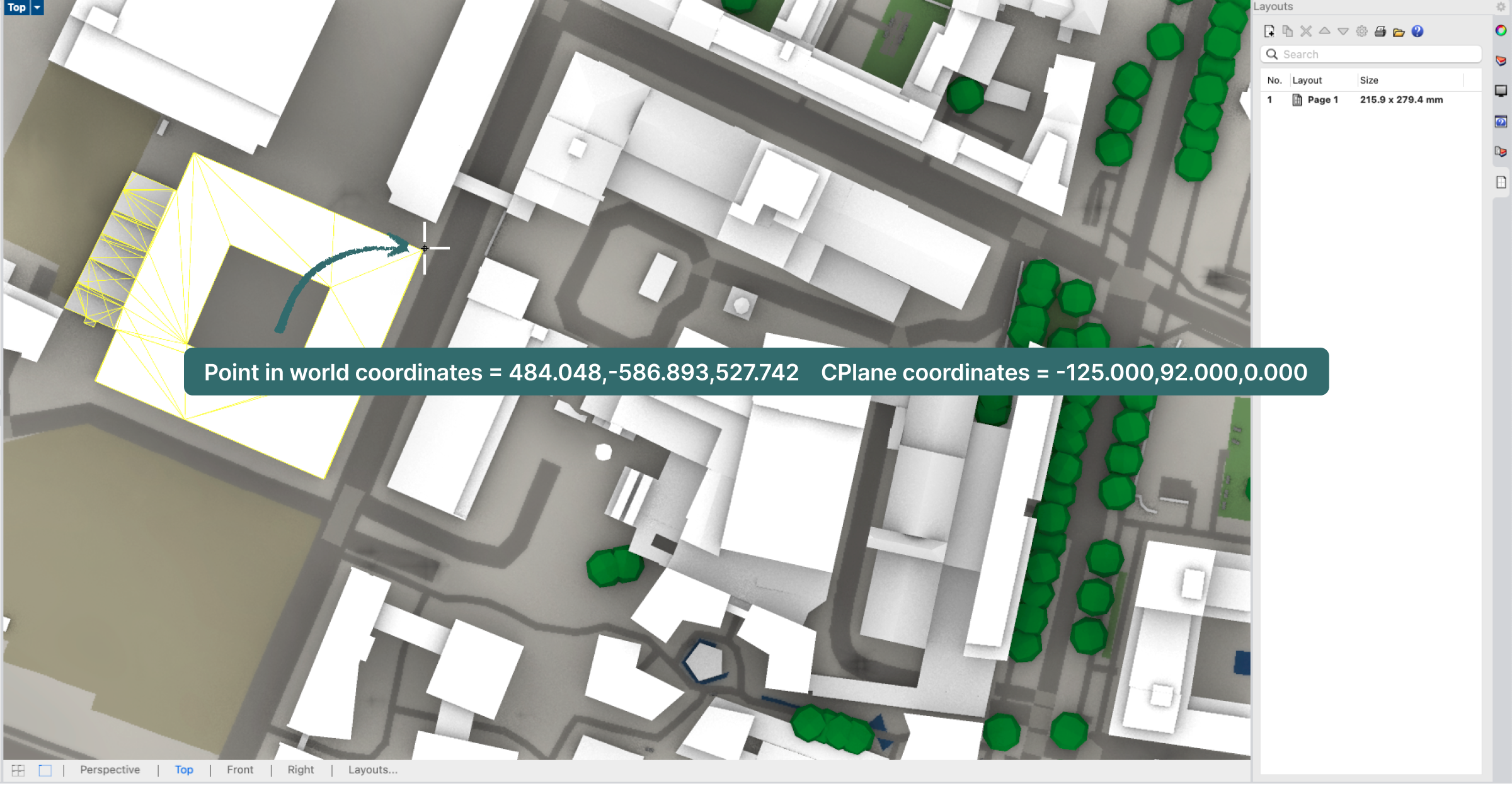
Why we’re releasing this now
Georeferencing workflows can vary widely between teams and tools. Some practices rely heavily on GIS data, while others manage coordinate systems primarily within BIM software. Because of this, the most useful solutions tend to come from real project experience.
Cityweft is built with architects and urban designers in mind, and we want this feature to grow in ways that genuinely support day-to-day work and make BIM coordination across design teams smoother.
We’d value your input
If you regularly work with coordinate systems, GIS data, or georeferenced models, we’d love to hear about your workflow.
A few questions we’re particularly interested in:
How do you currently manage coordinates between modelling tools and real-world locations?
Which coordinate workflows should Cityweft support?
What coordination problems would you most like to see solved first?
This is just the first step for georeferencing in Cityweft. With feedback from the people using these tools every day, we hope to develop something that helps teams work with spatial context more reliably, and supports better BIM coordination across the whole design team.
FAQ: Georeferenced models in Cityweft
What is the difference between geolocation and georeferencing?
Geolocation identifies a position (latitude/longitude), while georeferencing embeds that location into a model so it aligns correctly in real-world space.
What coordinate system does Cityweft use for georeferencing?
Cityweft uses WGS84 to define real-world location, while keeping model geometry in simple in BIM software.
Which file formats support georeferencing in Cityweft?
Georeferencing is currently supported in Rhino (.3dm), SketchUp (.skp), and IFC (.ifc) formats.