New Surface Modes in Cityweft: More Control, More Clarity, Better Context
3D buildings are essential for understanding a site, but they are only part of the story.
To truly understand how structures interacts with its surroundings, you also need to understand the ground it sits on. Surfaces influence how people move, how buildings relate to streets and landscapes, and how projects affect mobility, accessibility, and the urban environment around them.
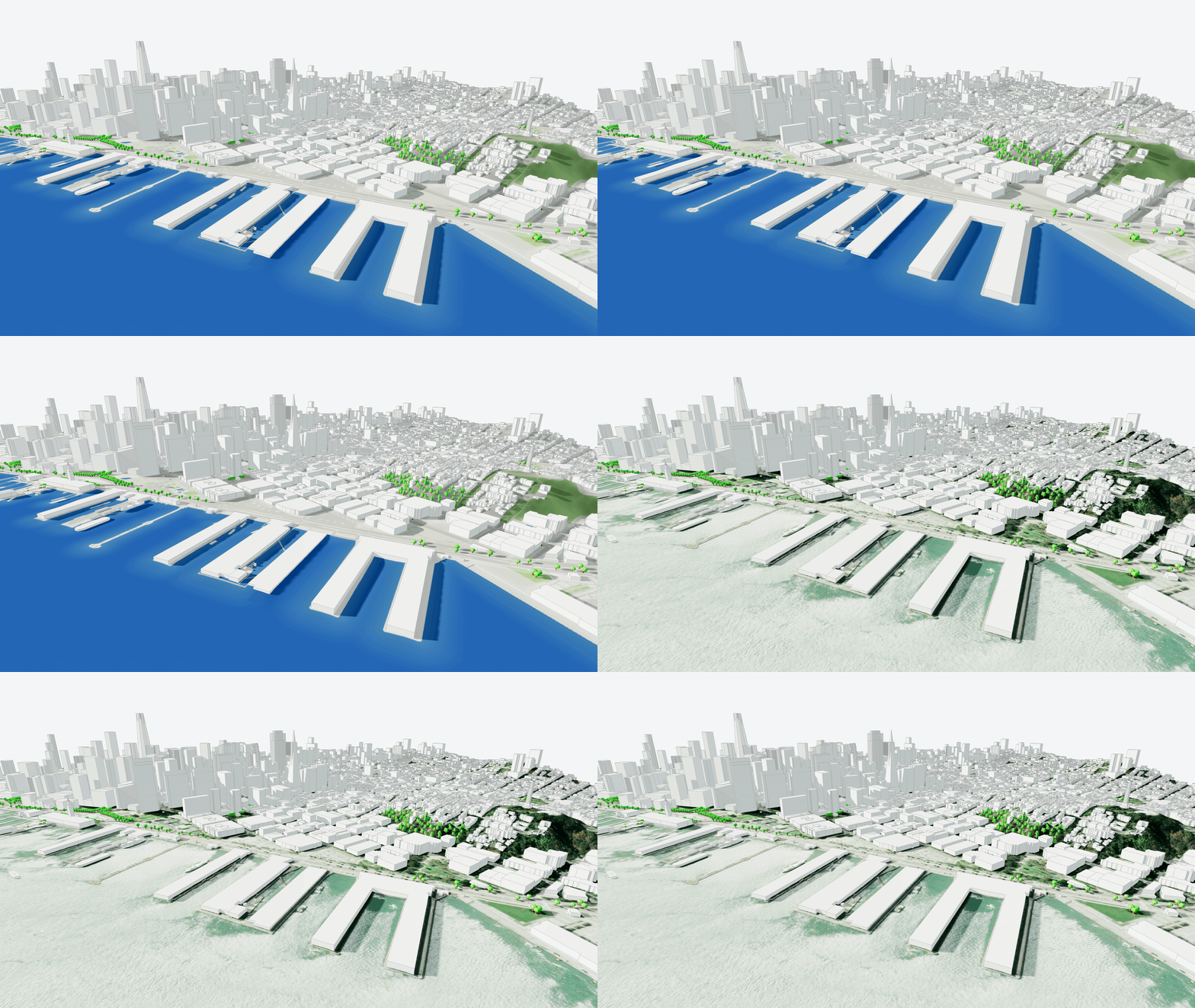
With our latest update, Cityweft expands how surfaces are represented to give greater flexibility depending on whether you prioritize control, clarity, or visual realism.
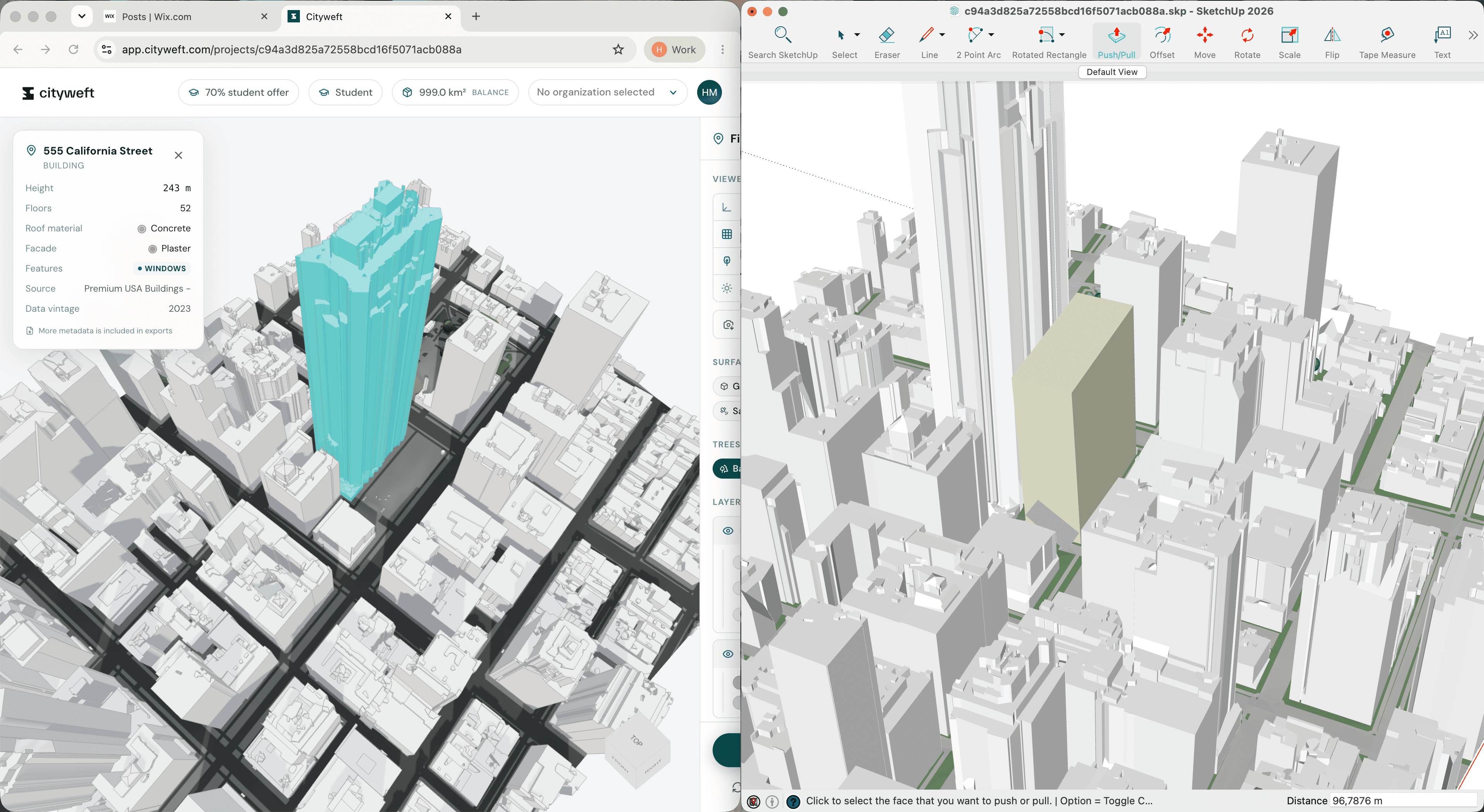
We now offer three different surface modes, all available directly in the Cityweft web platform and included in both 3DM and SKP exports.
Geometric Surfaces
Full Control, Fully Editable
The Geometric mode is the original Cityweft surface system — and still the most powerful option when you need maximum flexibility.
Surfaces are delivered as real geometry, meaning you can edit, modify, and integrate them directly into your workflow. This makes it ideal for users who want complete control over their models.
Best for:
Detailed design work
Editing and custom adjustments
Advanced modelling workflows
Editable: Yes
Schematic Surfaces
Clean and Clear Context
Sometimes clarity matters more than editability.
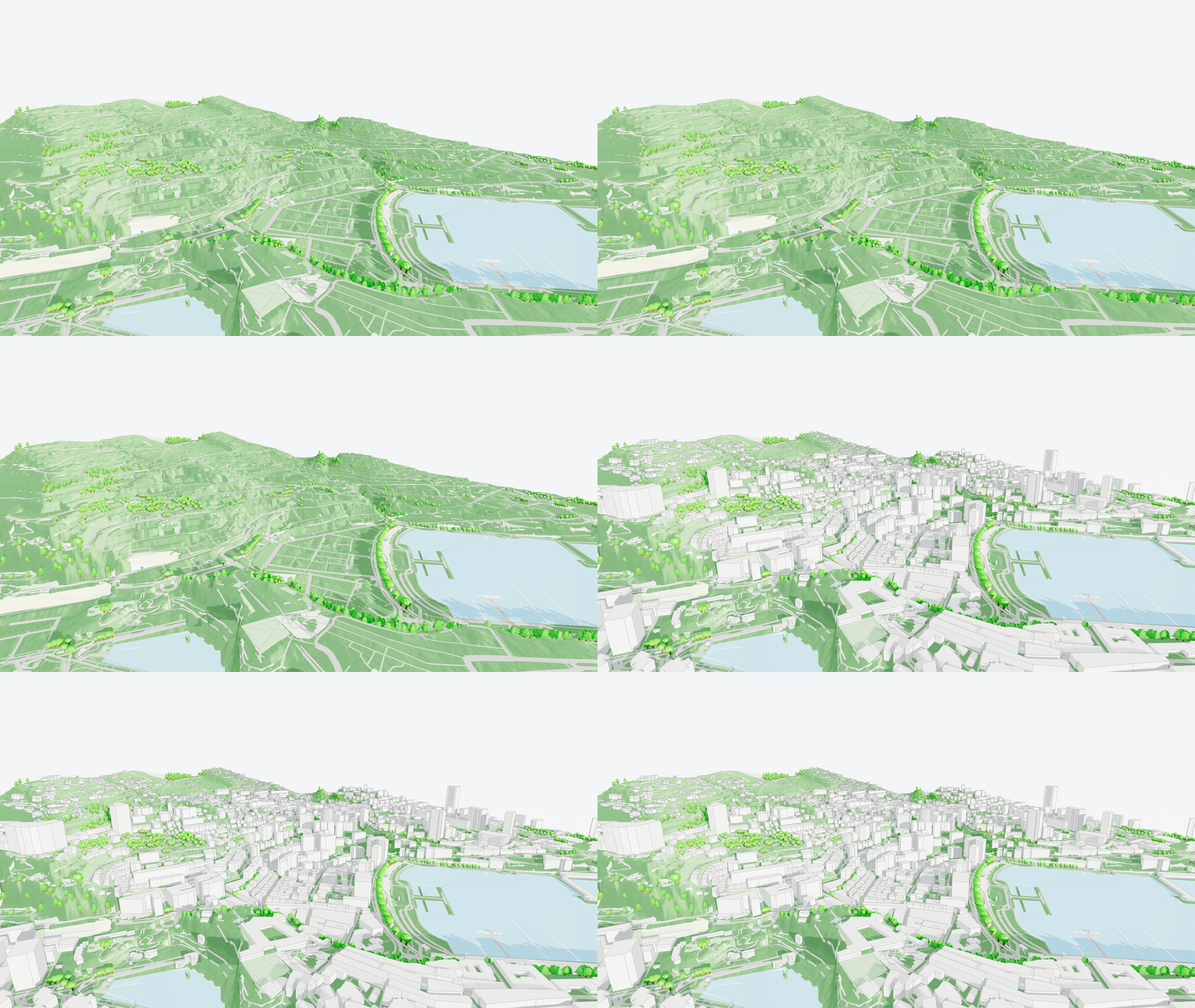
The new Schematic (Raster Map) mode converts surfaces into a raster image, creating a clean, simplified representation of the area. The result is a clearer overview that helps you focus on spatial relationships without visual noise.
Best for:
Early design phases
Presentations and communication
Quick understanding of urban context
Editable: No
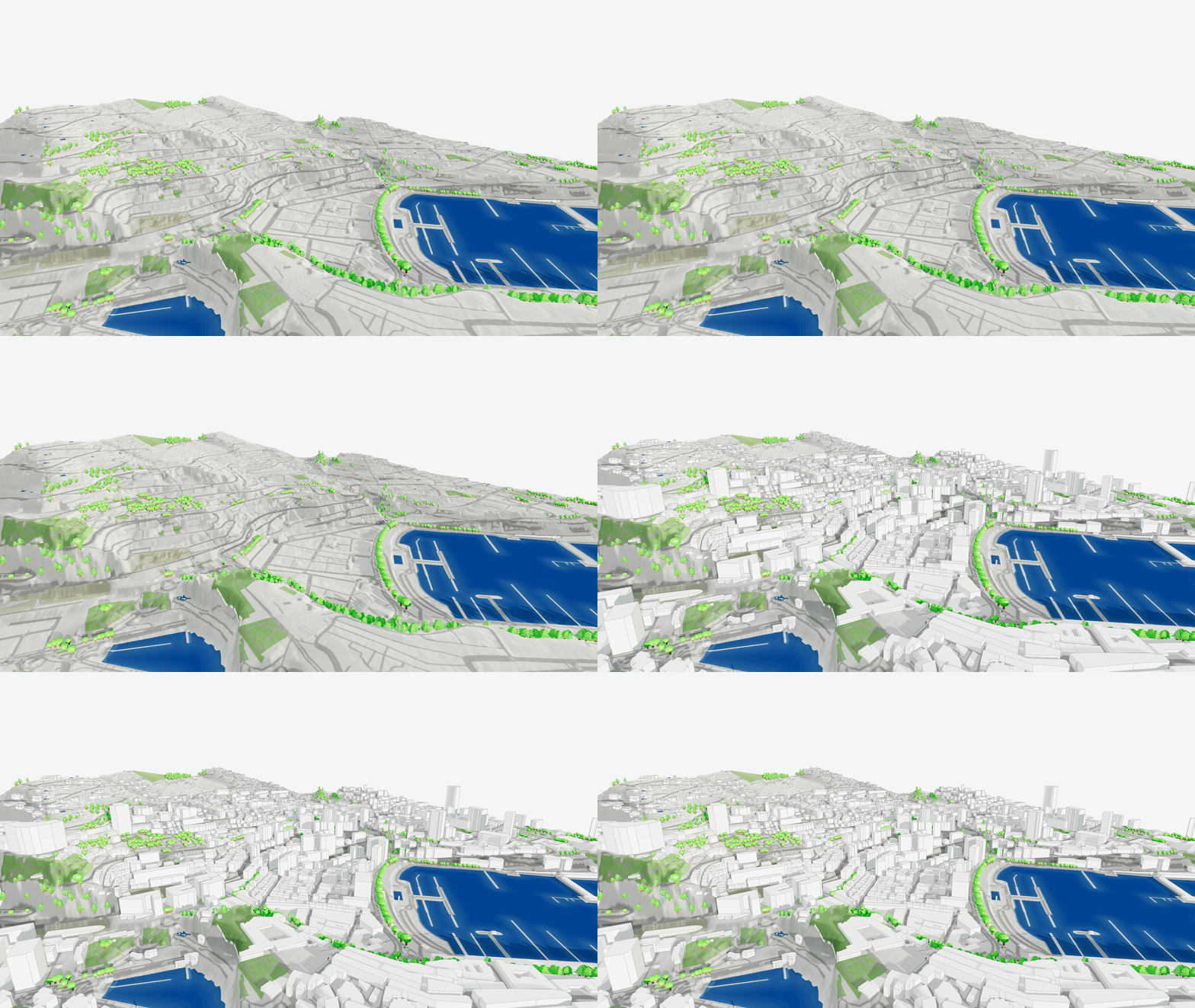
Satellite
High-Resolution Reality
For projects where real-world context is key, the Satellite mode provides a surface based on high-resolution satellite imagery.
This option gives you an immediate understanding of existing conditions — from landscapes and infrastructure to surrounding urban patterns.
Best for:
Site analysis
Context presentations
Understanding real-world surroundings
Editable: No
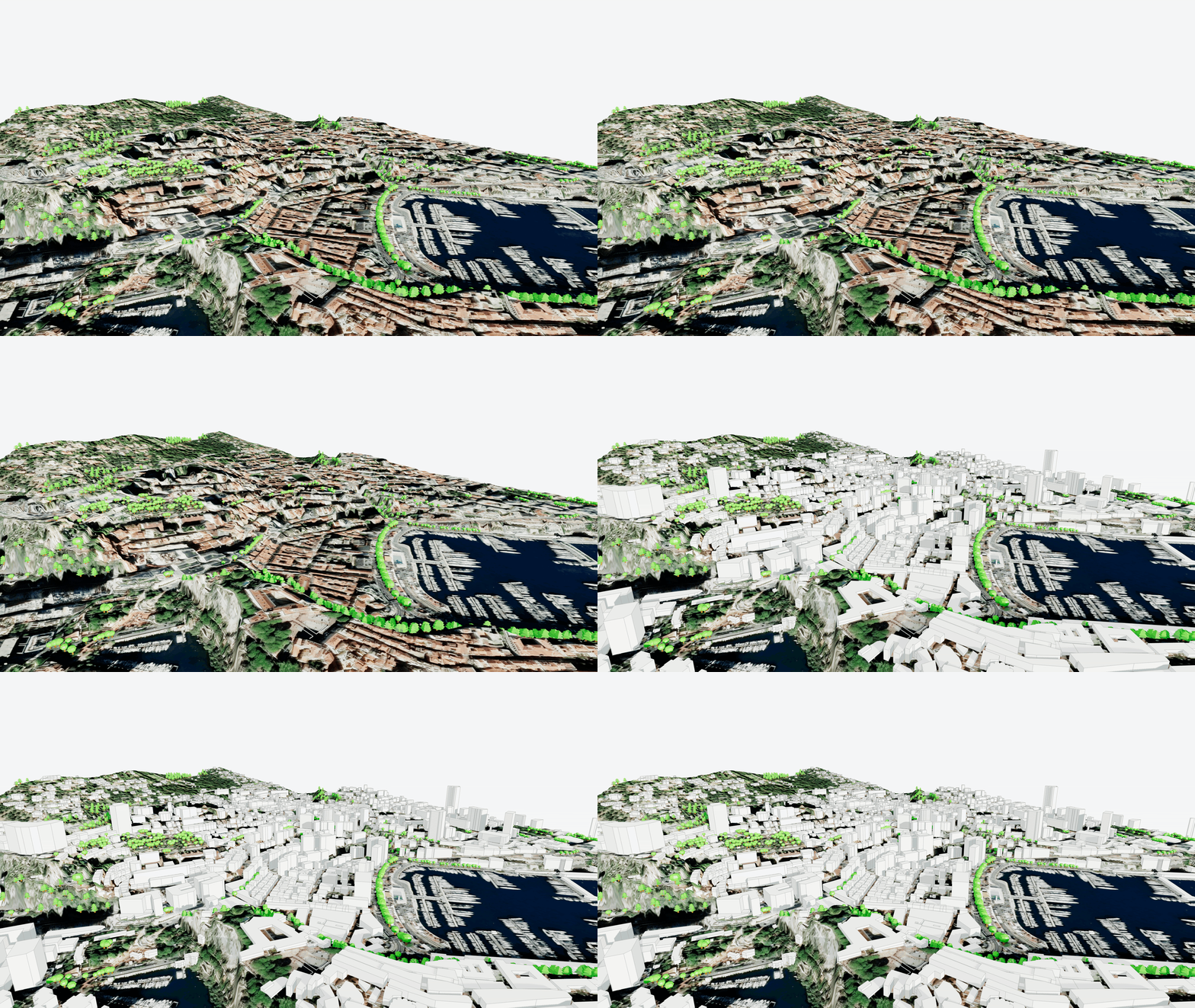
Control vs. Clarity: You Choose
Different projects (and different moments in a project) require different levels of detail.
With these new surface modes, you can now choose the representation that fits your workflow:
Need maximum control? Use Geometric.
Need clear communication? Choose Schematic.
Need real-world context? Use Satellite.
The goal of this update is simple: give you more flexibility to work the way you want, without compromising speed or context.
Available Everywhere You Work
All four surface modes are:
Viewable directly on the Cityweft web platform
Included in 3DM exports
Included in SKP exports
So whether you’re exploring context online or continuing work in your preferred modelling environment, the experience stays consistent.
What’s Next
We believe context is just as important as geometry and this update is another step toward making site understanding faster, clearer, and more adaptable for architects and urban professionals.
We’re excited to see how you use these new surface modes in your projects.