Introducing: A Cityweft Plugin for SketchUp
The wait is finally over for SketchUp users.
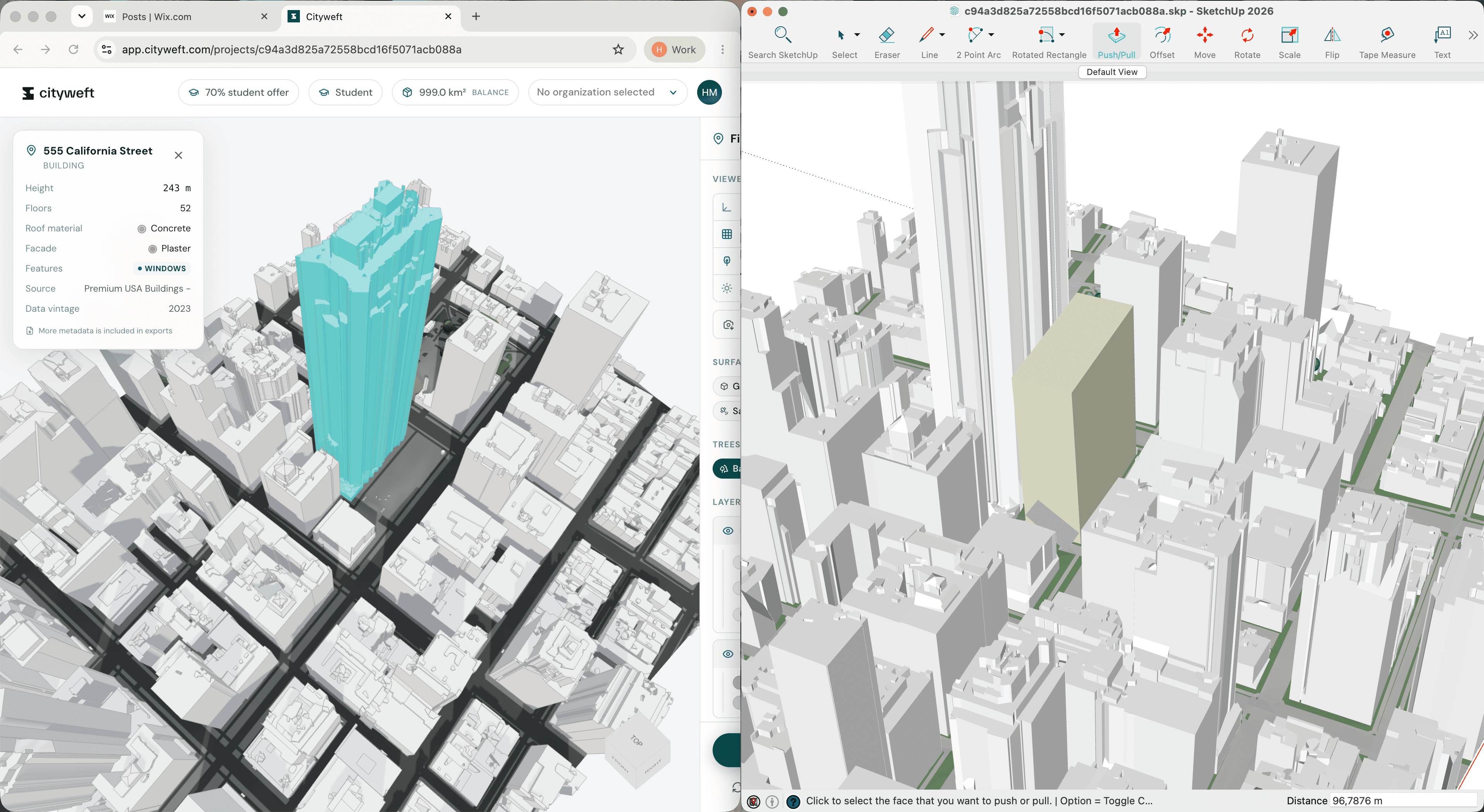
We’ve just launched the Cityweft plugin for SketchUp, making it easier than ever to bring accurate 3D context models directly into your SketchUp workflow. Instead of jumping between the Cityweft platform and your design tools, you can now search for a site, import the surrounding city model, and start designing in context without leaving SketchUp.
For architects and urban designers, that means quicker iteration, clearer contextual insight, and better-informed decisions even at the sketch design stage.
Design With Real Context From The Start
Architecture is shaped by its surroundings. Nearby buildings, street patterns, and skyline relationships all influence how a proposal should respond to its environment.
But in many workflows, that context is incorporated too late. Early concepts often begin with simplified surroundings because gathering reliable city models takes too long.
The Cityweft SketchUp plugin changes that.
By bringing 3D urban context directly into SketchUp in just a few clicks, architects can start testing ideas within the real city fabric from the very beginning. Massing studies become more meaningful, and design decisions can be evaluated against the actual environment they will inhabit.
Import City Models in Seconds
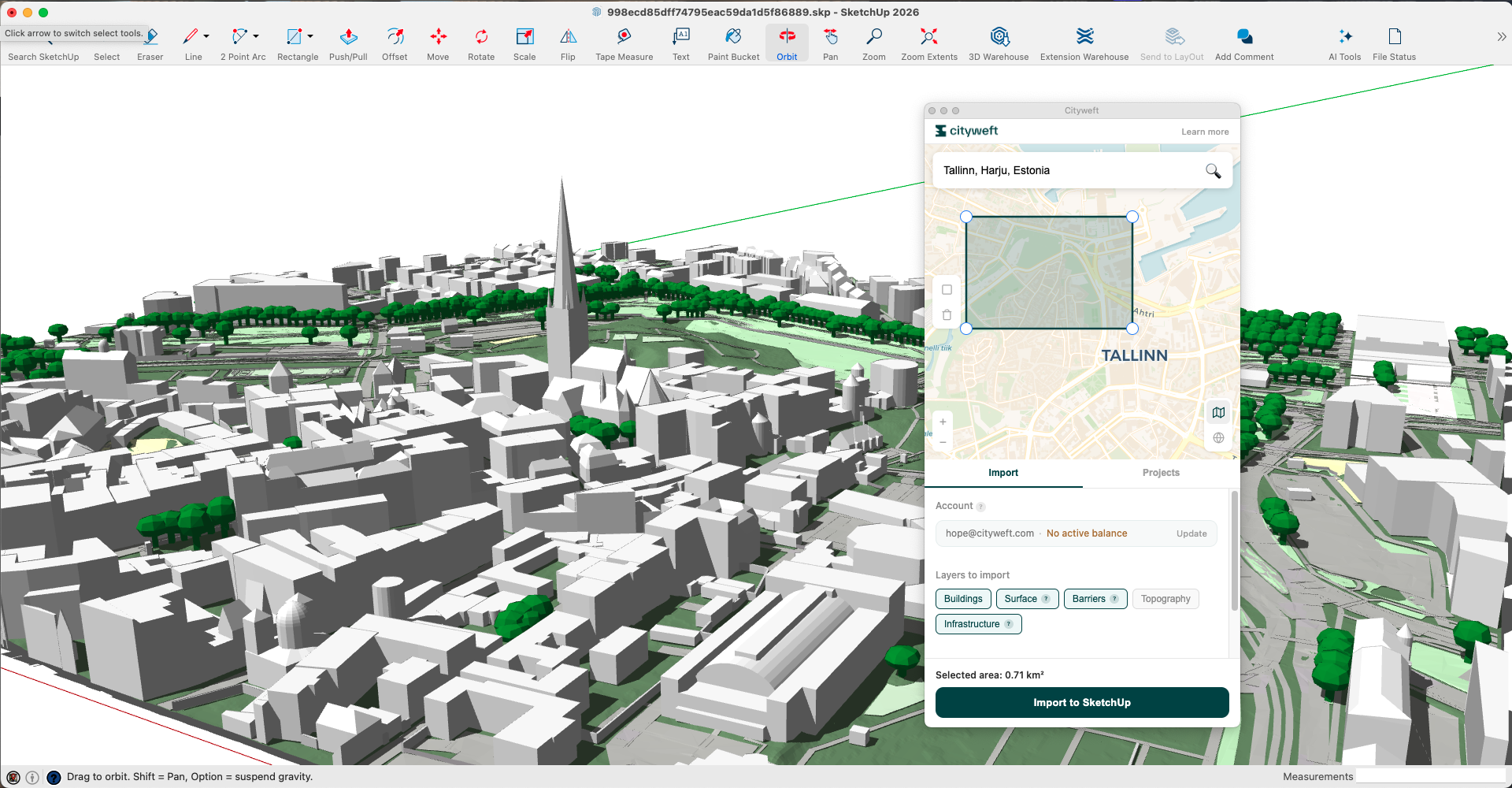
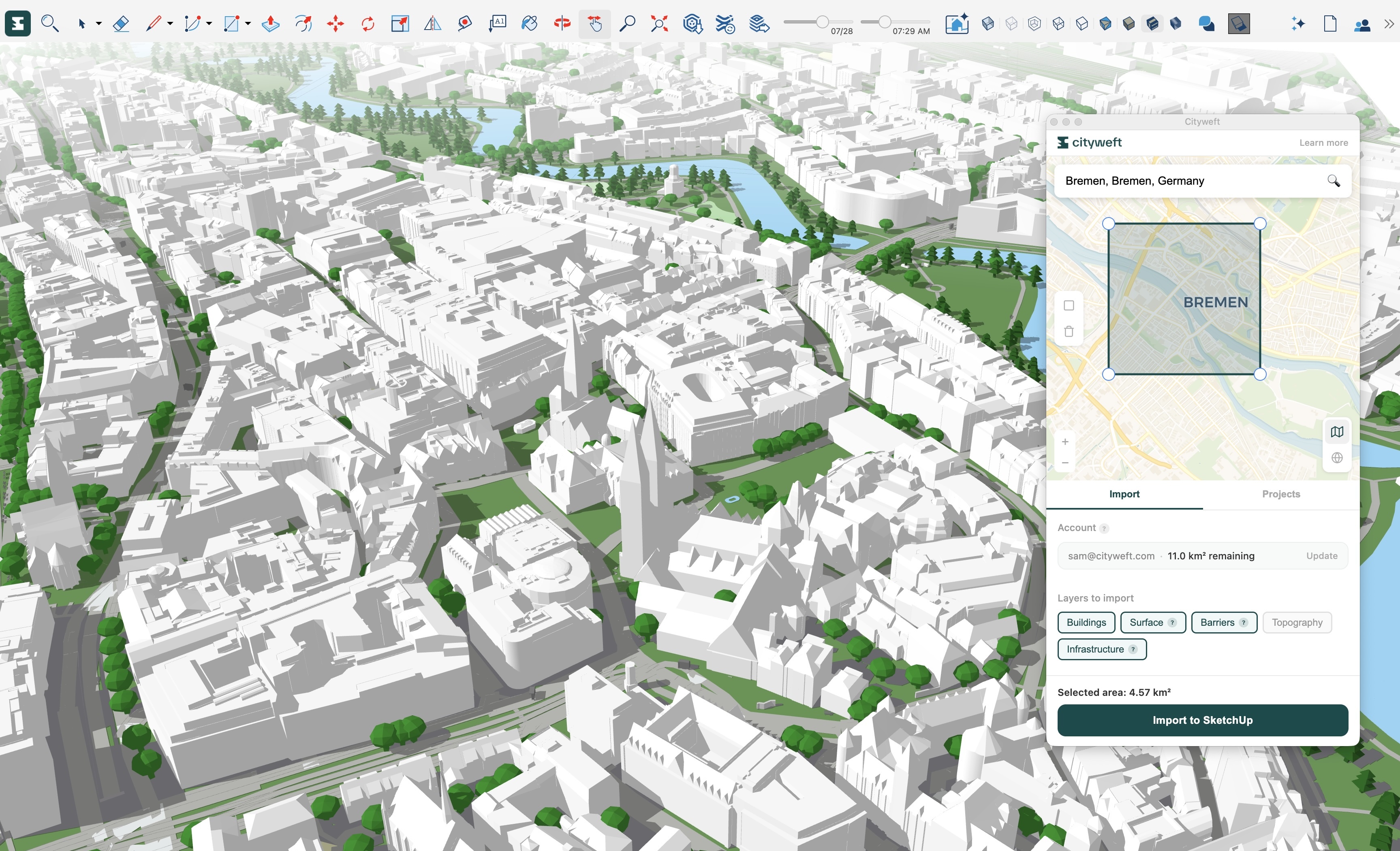
Getting started is simple. After installing the plugin from the SketchUp Extension Warehouse, you can open it directly from the Extensions menu, search for your site location, and draw a rectangle around the area you want to import.
Within moments, the surrounding site appears in your SketchUp model. There’s no need for external tools, data conversion, or complex setup. The context model is ready to use immediately.
Built for Architectural Workflows
Cityweft models are designed to support real design work, not just visualisation.
Everything is organised into layers by data source and type, making it easy to control visibility or focus on specific elements of the city. Just as importantly, the geometry remains fully editable, so you can remove elements, adapt the context, or modify parts of the model as your design evolves.
The result is a city model that behaves like part of your project file rather than a static reference.
Better Decisions, Earlier in the Process
Beyond speed, the biggest impact of the plugin is insight.
When architects can work with reliable context early on, it becomes easier to understand how proposals interact with neighbouring buildings, how massing affects the skyline, and how projects relate to the surrounding urban fabric.
That clarity leads to more confident design decisions and more meaningful early-stage exploration.
Available Now
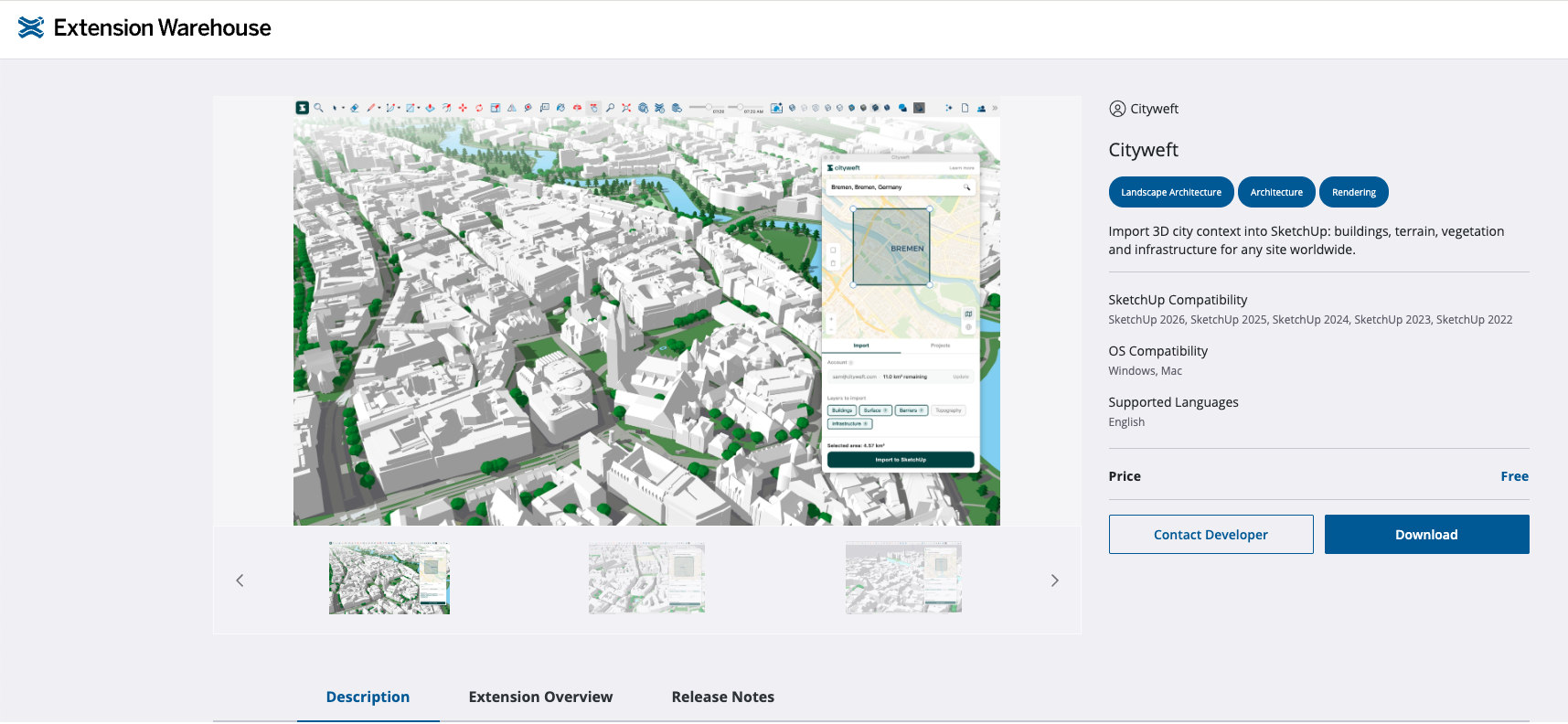
The Cityweft plugin for SketchUp is available today in the SketchUp Extension Warehouse.
If you give it a try, we’d love to hear how it fits into your workflow. Has it saved you time? Has it influenced your design decisions?
Your feedback will help shape the next steps for Cityweft.
FAQ
What is the Cityweft SketchUp plugin?
The Cityweft SketchUp Plugin lets you import 3D site models, context models, and city models in SketchUp instantly.
How do I download and import SketchUp city models?
Use the plugin from the SketchUp Extension Warehouse to search a location and import free SketchUp city models and site context models in seconds.
What types of architectural models can I access?
Access site models, urban context models, and large-scale 3D city models for architecture, planning, and massing studies.
Are the SketchUp context models editable?
Yes, all SketchUp site and city models are fully editable inside SketchUp.
Why use 3D context models in early design?
Using real-world context models in SketchUp improves massing studies, speeds up workflows, and leads to better-informed architectural decisions.